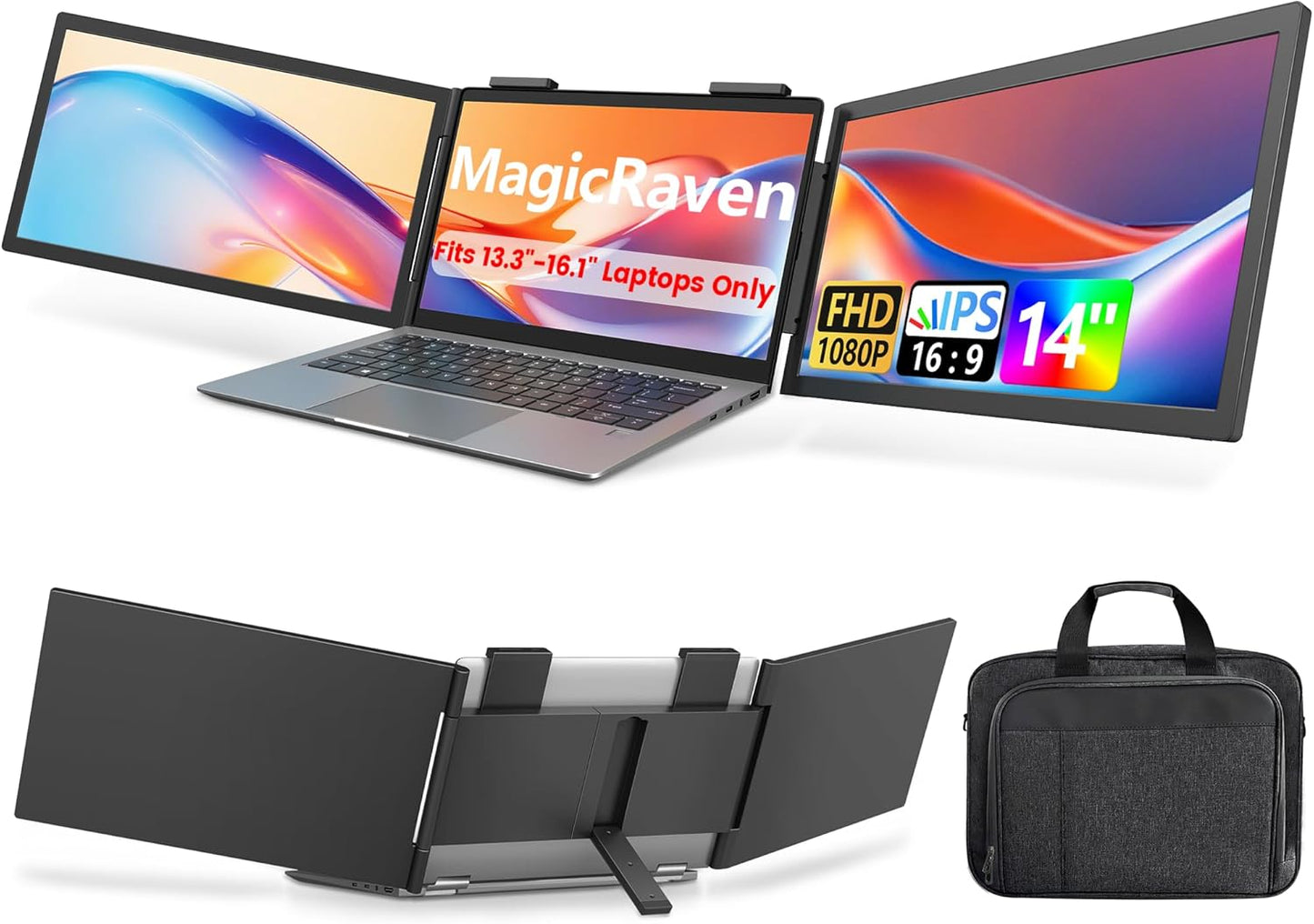
【1 Cable Connect, Plug & Play】: 1 USB-C cable connection for Windows laptop and 2 cables connection for macOS laptop. No driver or APP need. True plug-and-play! MagicRaven Triple monitor provides you with perfect multi-screen real-time display and multi-screen independent display solutions. Ideal for easy on-the-go travel dual-monitor setups. Note: It will only extend 1 display when you connect macOS devices with M1,M2,M3,M4 chips. It fits most 13.3"-16.1" laptops.
【Build Your Workstation】: MagicRaven laptop screen extender help you to work faster and easier by showing more windows at the same time. You can use multiple software in more screens at the same time instead of constantly switching software in one screen. Boost your productivity by 300%. Perfect for people who want to build a workstation like IT professionals, Stock traders, Programmers, Players, game players, etc
【Dual Outstanding IPS Screen】: MagicRaven laptop screen extender equips a 14" FHD IPS screen paired with a 1920x1080 resolution, 300 nits brightness,1000:1 contrast ratio and 100% sRGB for superior image clarity, providing you with a bright, vivid, and immersive viewing experience. The attachable screen can rotate 250°, allowing you to customize the viewing experience according to your preferences
【Portable & Save Desk Space】: Weighing only 3.4lbs, MagicRaven Dual screen for laptop can easily climb onto your laptop and become a second and third screens without additional desktop space. It slides into the carry bag(not included) easily, so you can take it Home, Travel, Office, Coffce Shop, Hotel, Airport, Courtyard, Etc. Perfect for people who work and play on the go or from the home.
【Reliable Service】: MagicRaven is committed to bringing technology and services into life, so we offer 24/7 customer service, 3-year warranty, lifetime support. Trustworthy and cost-effective choice
Product description
The video showcases the product in use.The video guides you through product setup.The video compares multiple products.The video shows the product being unpacked.
How to install the laptop screen extender
Merchant Video
How to Work with Macbook
Connect with your Macbook via 2 cables
Must connect your Macbook to the 2 USB-C ports of laptop screen extender as shown in video to get 2 extension screens.(M1/M2/M3/M4 chips can only extend 1 screen most)
The video showcases the product in use.The video guides you through product setup.The video compares multiple products.The video shows the product being unpacked.
How to Work with Macbook
Merchant Video
How to Work with Windows Laptops
Connect with your Windows laptops via 1 cable
You could connect your Windows laptop to the USB-C ports of laptop screen extender as shown in video to get 2 extension screens
The video showcases the product in use.The video guides you through product setup.The video compares multiple products.The video shows the product being unpacked.